
File Identification & Hashing
The very first step in any malware triage workflow is answering two fundamental questions: what type of file is this? and have we or anyone else seen it before? File identification and hashing provide the foundation for every subsequent analysis phase.
1. File Type Identification
Why File Extensions Cannot Be Trusted
Malware authors routinely rename files to disguise their true nature. A file named invoice.pdf might actually be a Windows executable. Never rely on file extensions -- always verify using magic bytes.
Magic Bytes Reference
| Magic Bytes (Hex) | ASCII | File Type |
|---|---|---|
4D 5A | MZ | Windows PE executable (.exe, .dll, .sys) |
7F 45 4C 46 | .ELF | Linux ELF binary |
CF FA ED FE | .... | macOS Mach-O binary (64-bit) |
25 50 44 46 | PDF document | |
50 4B 03 04 | PK.. | ZIP archive (also .docx, .xlsx, .jar, .apk) |
D0 CF 11 E0 | .... | OLE2 Compound File (legacy .doc, .xls) |
52 61 72 21 | Rar! | RAR archive |
The file Command (Linux/REMnux)
$ file suspicious.exe
suspicious.exe: PE32+ executable (GUI) x86-64, for MS Windows

$ file sneaky_document.pdf
sneaky_document.pdf: PE32 executable (console) Intel 80386, for MS Windows
# The .pdf extension was a lie -- it is actually a PE executable!

$ file packed_sample.bin
packed_sample.bin: data
# "data" means unrecognized format -- often encrypted or heavily packed
Pro Tip: Always run
fileas your first command. If a file claims to be a document butfileidentifies it as a PE, you have immediately uncovered social engineering.
Examining Raw Magic Bytes
$ xxd suspicious.exe | head -3
00000000: 4d5a 9000 0300 0000 0400 0000 ffff 0000  MZ..............
00000010: b800 0000 0000 0000 4000 0000 0000 0000  ........@.......
00000020: 0000 0000 0000 0000 0000 0000 0000 0000  ................
# 4D 5A = "MZ" -- confirmed Windows PE executable
GUI Tools for File Identification
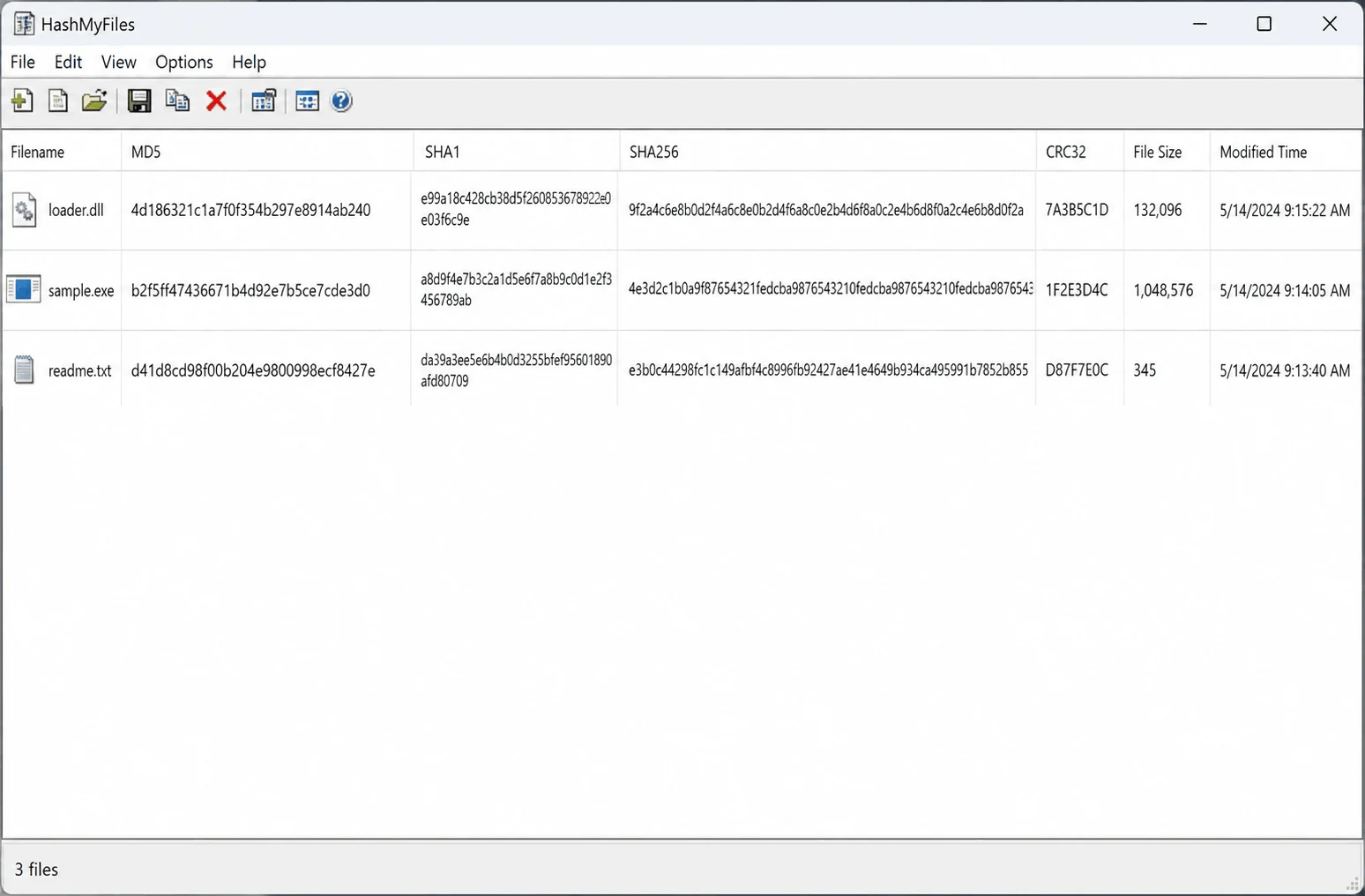
| Tool | Platform | Strength |
|---|---|---|
| CFF Explorer | Windows | Deep PE structure inspection, hex viewer |
| TrID | Windows/Linux | Probability-based identification (18,000+ defs) |
| Detect It Easy (DiE) | Windows/Linux | Identifies compilers, packers, protectors |
| PEStudio | Windows | Comprehensive static analysis suite |
| peframe | Linux/REMnux | CLI-based PE analysis with YARA plugins |
TrID: Probabilistic File Identification
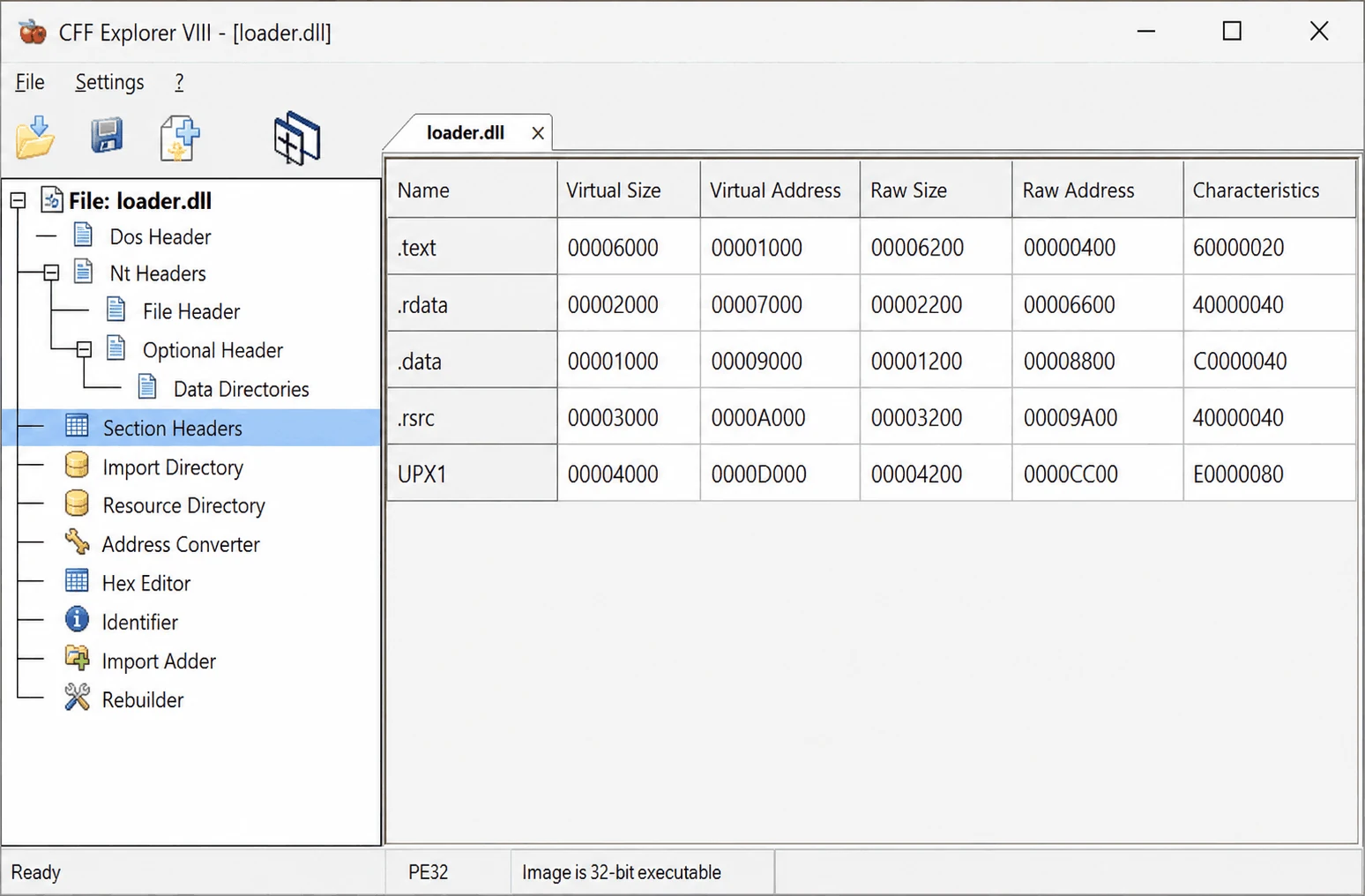
$ trid suspicious.bin
TrID/32 - File Identifier v2.24
 65.2% (.EXE) Win64 Executable (generic)
 15.8% (.DLL) Win32 Dynamic Link Library (generic)
 10.3% (.EXE) Win32 Executable (generic)
Polyglot Files
A polyglot file is simultaneously valid in two or more formats. Attackers use polyglots to bypass security tools that only check the first signature.
Detection strategy: Run multiple identification tools and compare results. If file, TrID, and DiE disagree, investigate further.
PE vs. ELF vs. Mach-O
| Property | PE (Windows) | ELF (Linux) | Mach-O (macOS) |
|---|---|---|---|
| Magic bytes | MZ (4D 5A) | .ELF (7F 45 4C 46) | FE ED FA CE/CF |
| Extensions | .exe, .dll, .sys | (none typical), .so | (none typical), .dylib |
| Analysis tool | PEStudio, CFF Explorer | readelf, Capa | otool, MachOView |
MITRE ATT&CK: File type masquerading maps to T1036.008 - Masquerade File Type.
2. Cryptographic Hashing
A cryptographic hash produces a fixed-length fingerprint. Even a single-bit change produces a completely different hash. Hashes are unique identifiers for threat intelligence, search keys for reputation lookups, and evidence integrity markers.
Hash Algorithm Reference
| Algorithm | Output Length | Collision Resistance | Primary Use |
|---|---|---|---|
| MD5 | 128-bit (32 hex) | Broken | Legacy lookups |
| SHA-1 | 160-bit (40 hex) | Weakened | Legacy compatibility |
| SHA-256 | 256-bit (64 hex) | Strong | Industry standard for IOCs |
| Imphash | 128-bit (32 hex) | N/A | Groups families by import tables |
| SSDEEP | Variable | N/A (fuzzy) | Similarity matching between variants |
| TLSH | 72 hex chars | N/A | Similarity scoring |
Computing Hashes
# Linux/REMnux
$ sha256sum suspicious.exe
$ md5sum suspicious.exe
$ md5sum suspicious.exe && sha1sum suspicious.exe && sha256sum suspicious.exe
$ peframe suspicious.exe    # Full static overview including hash
# Windows PowerShell
Get-FileHash suspicious.exe -Algorithm SHA256
Get-FileHash suspicious.exe -Algorithm MD5
import hashlib
with open("suspicious.exe", "rb") as f:
    data = f.read()
print(f"MD5:    {hashlib.md5(data).hexdigest()}")
print(f"SHA1:   {hashlib.sha1(data).hexdigest()}")
print(f"SHA256: {hashlib.sha256(data).hexdigest()}")
3. Fuzzy Hashing and Similarity Matching
Cryptographic hashes are all-or-nothing. Malware authors exploit this via polymorphism. Fuzzy hashing solves this.
SSDEEP
$ ssdeep suspicious.exe
$ ssdeep -d sample_a.exe sample_b.exe
sample_a.exe matches sample_b.exe (87)
$ ssdeep -m known_hashes.txt suspicious.exe
Import Hash (Imphash)
The imphash groups samples from the same family even when file hashes differ:
import pefile
pe = pefile.PE("suspicious.exe")
print(f"Imphash: {pe.get_imphash()}")
Pro Tip: Search the imphash on VirusTotal to find related samples.
TLSH
import tlsh
with open("sample_a.exe", "rb") as f:
    hash_a = tlsh.hash(f.read())
with open("sample_b.exe", "rb") as f:
    hash_b = tlsh.hash(f.read())
print(f"TLSH distance: {tlsh.diff(hash_a, hash_b)}")
# Lower = more similar. Under 100 is typically a strong match.
4. OSINT and Reputation Lookups
| Service | What You Get |
|---|---|
| VirusTotal | AV detection ratios, sandbox reports, YARA matches |
| MalwareBazaar | Community samples, family tags, YARA rules |
| Hybrid Analysis | CrowdStrike Falcon sandbox reports |
| AlienVault OTX | Threat intelligence pulses, correlated IOCs |
| Any.Run | Interactive sandbox with process trees |
$ vt file <sha256_hash>
$ curl --request GET \
  --url https://www.virustotal.com/api/v3/files/<sha256> \
  --header 'x-apikey: YOUR_API_KEY'
5. Complete Workflow
- Identify file type --
filecommand + magic bytes - Compute SHA-256 -- primary identifier
- Compute MD5/SHA-1 -- legacy compatibility
- Search hashes online -- VirusTotal, MalwareBazaar
- Compute fuzzy hashes -- SSDEEP/TLSH for similarity
- Compute imphash -- PE family clustering
- Record findings -- document everything
- Decide next steps -- leverage existing intel or deep-dive
Common Pitfall: Do not upload sensitive samples to public services without authorization. Always search by hash first.